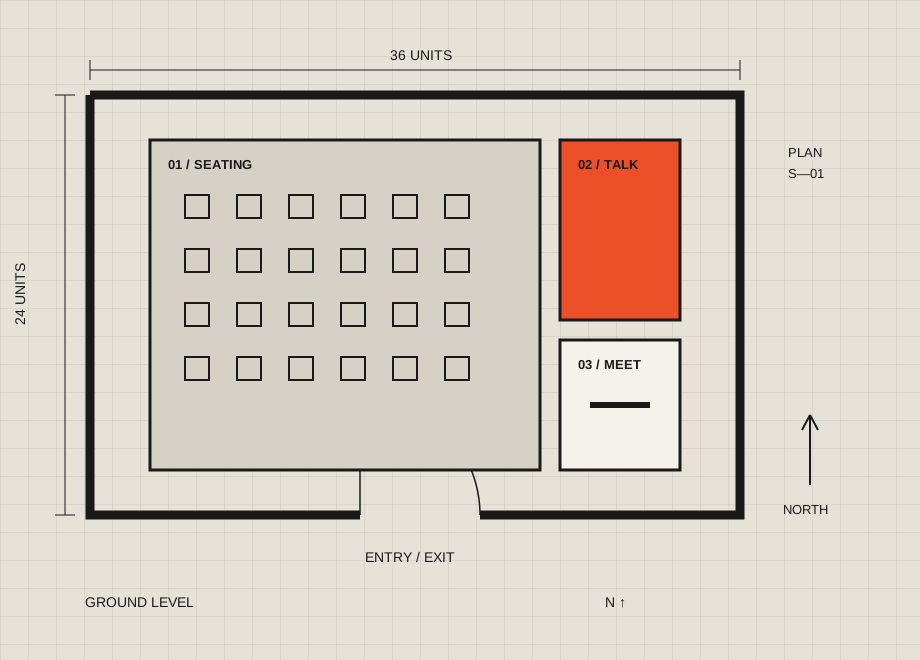
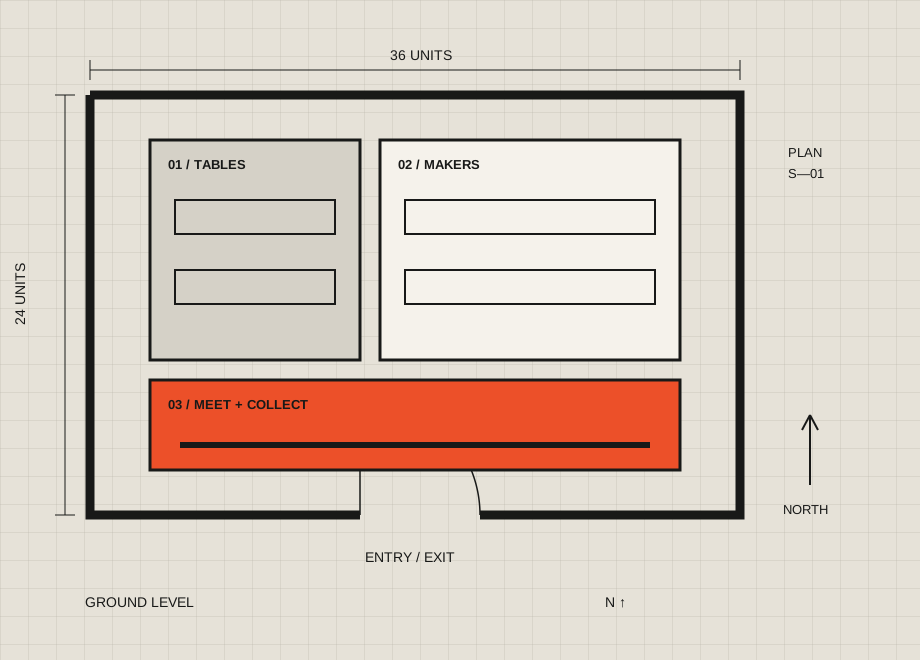
A generous first impression.
Put orientation before display. Let people pause before they enter the main room.
 SWITCHBOARD
A TOOL FOR SPACE & CULTURE
Arrange the room.
Change the experience.
01 / THE ARRANGEMENT
Choose what is happening inside. The plan makes room for it.
Three distinct bays give wall works, objects and moving image their own setting. The central approach stays open.
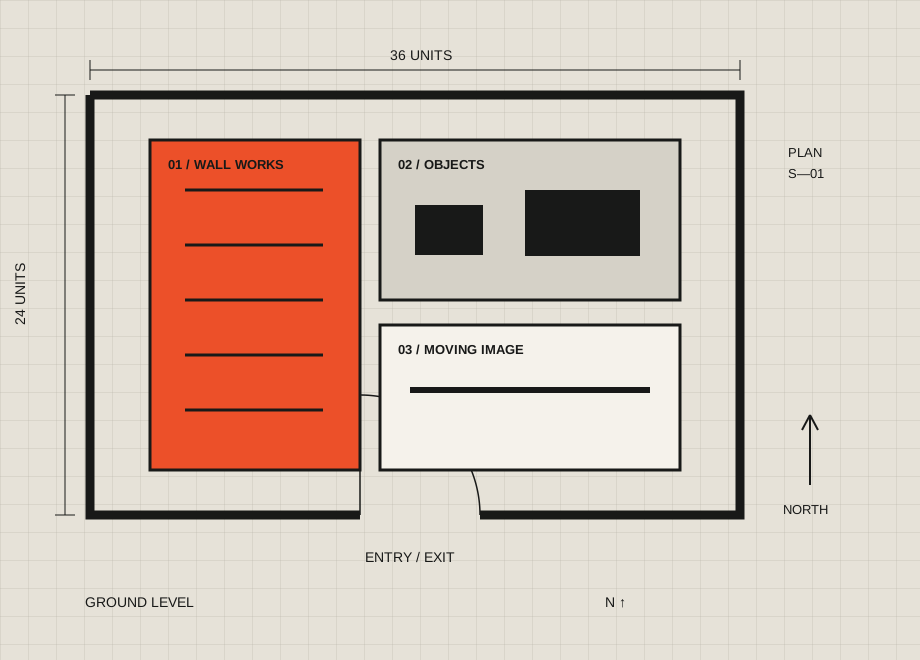
Editable SVG · conceptual layout
02 / THE PARTS
Put orientation before display. Let people pause before they enter the main room.
Choose a wall, table or open bay that suits the way the work is viewed.
Bring seating and conversation to the edges of the main route.
Keep storage, collection and preparation distinct from the visitor approach.
03 / THE JOURNEY
Start with how someone arrives. Then follow what happens next.

Make the next area easy to recognise without a maze of instructions.

Keep displays out of circulation paths. Confirm actual clearances with the venue.

Step-free access, exits and capacity need a site-specific review before use.
04 / WORK IN CONTEXT
A series can read as one story. Leave a pause between groups.
An object changes from each side. Let the room offer more than one view.
Position the screen and seats together. Check light spill and sound on site.
05 / FROM PLAN TO PLACE
Use the floor plan to start a conversation with the people who know the room.
Walk the entrance, exits and routes. Note the fixed things: doors, columns and services.
Choose a configuration, then adapt the SVG to the actual dimensions and work.
Ask the venue team to check access, capacity and installation requirements.
Try the route before opening. Adjust the plan when the space tells you something new.
06 / A FEW PRACTICAL THINGS
No. They are editable conceptual diagrams for exhibition planning. They do not specify actual dimensions, capacity, structural loads or regulatory compliance.
Yes. Download the SVG and open it in a vector editor. Rooms, labels and objects are individual vector elements. Keep an original copy before editing.
Your choice stays in the current page. Download the SVG to keep it; reloading starts with the Gallery configuration.
07 / OFF THE SCREEN
Keep the selected plan, or take all three starting points to your next site visit.
Download selected SVG